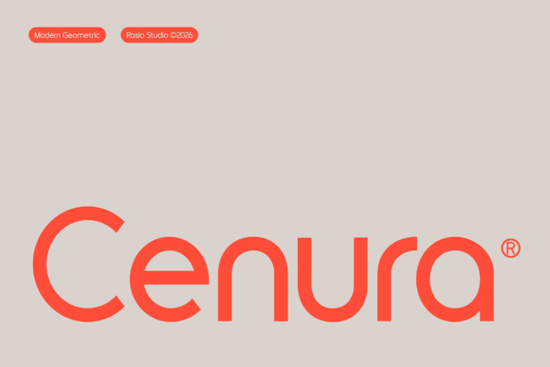
Looking for a typeface that feels modern, clean, and effortlessly professional? The Cenura Font is a geometric sans-serif built for designers who want their layouts to feel sharp without being cold. It uses smooth circular letterforms paired with crisp vertical stems, giving text a balanced rhythm that works beautifully in minimal designs. Whether you're building a brand from scratch or refreshing existing materials, this typeface brings a polished, architectural look to almost any project.
What Makes Cenura Different from Other Sans-Serif Fonts?
Most geometric sans-serifs aim for neutrality. Cenura does something slightly different it combines uniform line weight with fluid, rounded tracking. The result is a typeface that feels structured but never rigid. Every letterform has been optically kerned, which means the negative space between characters is carefully adjusted for visual comfort. You won't find awkward gaps or uneven spacing when you set headlines or body text.
This level of detail matters in professional work. When you're designing a logo, a pitch deck, or product packaging, inconsistent spacing can make even a good layout feel off. Cenura's balanced letter spacing solves that problem right out of the box.
Where Does Cenura Font Work Best?
This typeface was designed with specific use cases in mind. Here are some of the strongest fits:
- Brand identity and logos especially for tech startups, architecture firms, and lifestyle brands
- App interfaces and dashboards its low-profile weight keeps on-screen text readable
- Corporate stationery business cards, letterheads, and presentation templates
- Product labels industrial or luxury packaging that needs a clean, modern voice
- Minimalist posters and signage where typography carries the entire visual message
If you sell print-on-demand products or run a small business, Cenura gives you a professional edge. It reads well on solid color backgrounds and looks sharp in black-and-white layouts two common scenarios for POD sellers and small business owners.
How Does It Pair with Other Fonts?
Pairing fonts is one of the trickiest parts of design. Cenura works well alongside serif typefaces that have a similar level of refinement. For a warm, approachable contrast, try combining it with a handwritten or brush script like Ocean Beach, which adds personality to headings or callouts while Cenura handles the body copy.
If you want to stay within the geometric sans-serif family for a more cohesive feel, pairing Cenura with something like a structured neo-grotesque typeface creates a smooth visual hierarchy. You could also explore Sugra for a slightly softer geometric option that complements Cenura without competing with it. Another option worth checking is this clean sans-serif alternative if you're building a multi-font brand system.
Is Cenura a Good Fit for Digital and Print Projects?
Yes. Because Cenura uses a consistent stroke width and well-balanced proportions, it scales cleanly across formats. At large sizes, the circular curves and vertical structure create strong visual impact. At smaller sizes, the uniform weight keeps text legible important for things like footnotes, disclaimers, or mobile UI text.
For print sellers on platforms like Etsy or Redbubble, this kind of versatility is valuable. One font can handle your listing graphics, your brand watermark, and your thank-you card inserts without looking out of place in any context.
What Should You Check Before Using It?
Before downloading, make sure to review the font license and confirm it covers your intended use especially if you're creating products for commercial sale. Most Creative Fabrica fonts come with a license that supports both personal and commercial projects, but it's always smart to double-check the terms for each specific typeface.
Also, test the font at the actual size you'll be using it. A display font that looks stunning at 72pt might feel too thin at 12pt for body copy. Cenura's design leans toward headlines and display use, so keep that in mind when planning your layout.
Quick Checklist Before You Start Designing
- ✅ Confirm the font license covers your project type (personal or commercial)
- ✅ Test Cenura at your target size on both screen and print mockups
- ✅ Choose a complementary pairing font try a script or serif for contrast
- ✅ Use solid or muted color backgrounds to let the clean letterforms stand out
- ✅ Download from Creative Fabrica and start with your strongest headline first
Tip: If you're building a brand kit, download two or three compatible fonts at once so you can test combinations side by side before committing to a final direction.
Learn More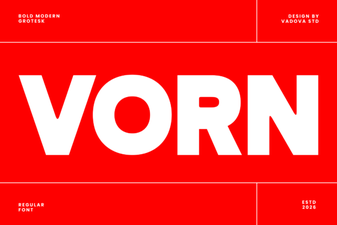 Vorn Font - Free Modern Sans Serif Typeface Download
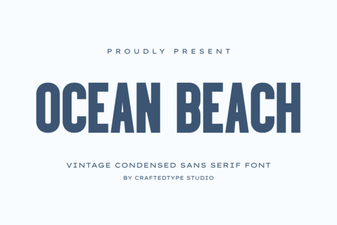 Ocean Beach Font - Free Sans Serif Display Typeface Download
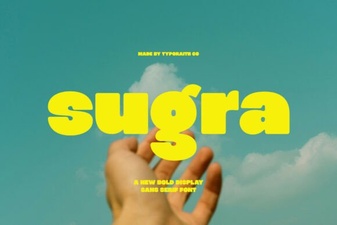 Sugra Font: a Clean Geometric Sans for Modern Design
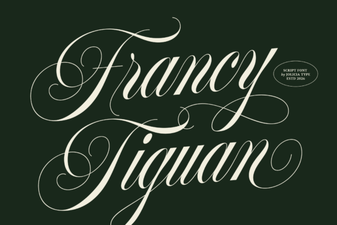 Francy Tiguan Font – Elegant Script Font for Creative Designs
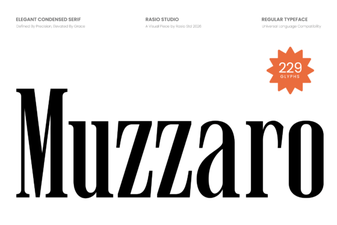 Muzzaro Font: Bold Display Typography for Creative Projects
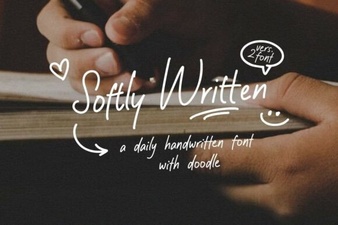 Softly Written Script Font – Elegant Handwritten Typeface Download